Published: 22nd July 9:28PM
Streaming games has become an extremely popular form of entertainment in recent years. If you’re just getting started with streaming and want to build an audience, follow these 10 essential tips:
1. Set Up Your Software and Hardware Properly
Making sure your broadcasting software and hardware are set up correctly is the foundation. Use streaming-optimized software like OBS or Streamlabs and invest in a decent microphone and webcam. Test your equipment thoroughly before going live.


2. Optimize Video and Audio Quality
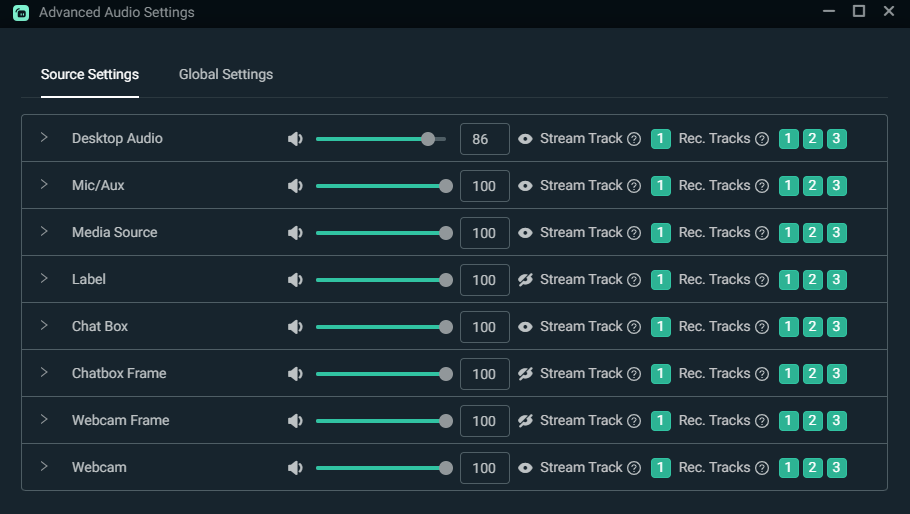
No one will stick around for long if your stream quality is poor. Maximize video bitrate in your settings for crisp footage. Tweak mic settings so audio is clear without peaking or background noise.
3. Interact With Viewers
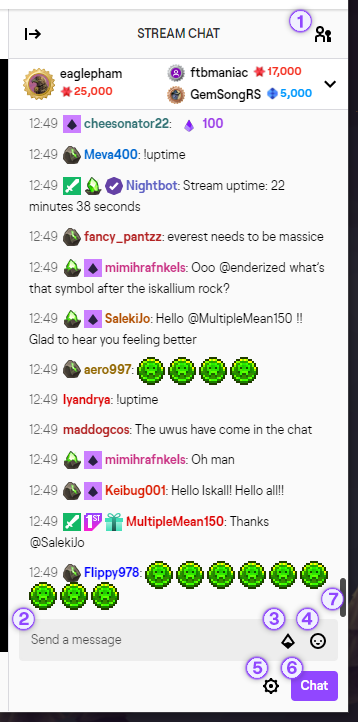
Reading chat and responding to viewers makes streams engaging. Greet new followers, answer questions, and have real conversations. Building personal connections will keep people coming back.
4. Establish a Schedule and Stick to It
A consistent streaming schedule helps you build a community. Let viewers know when you’ll be live and stick to the schedule as much as possible so they know when to tune in.
5. Promote Your Stream
Spread the word on social media, gaming forums, and messaging platforms. Create accounts on Twitter, TikTok, Discord etc. Post when you go live and share clips between streams.
6. Be Yourself and Play What You Love
Fake personalities don’t work. Viewers will connect with your real passion, reactions, and interests. Play games you genuinely enjoy rather than just what’s popular.
7. Collaborate With Other Streamers
Smaller streamers can gain exposure by playing together. Reach out to others in your game niche and work out collaborative streams. You’ll share audiences and make connections.
8. Give Viewers Incentives to Follow
Offering perks for follows, subs, and bits gives viewers more reason to invest in your channel. Special Discord access, sub emotes, shoutouts, and giveaways are great incentives.
9. Analyze Metrics and Optimize
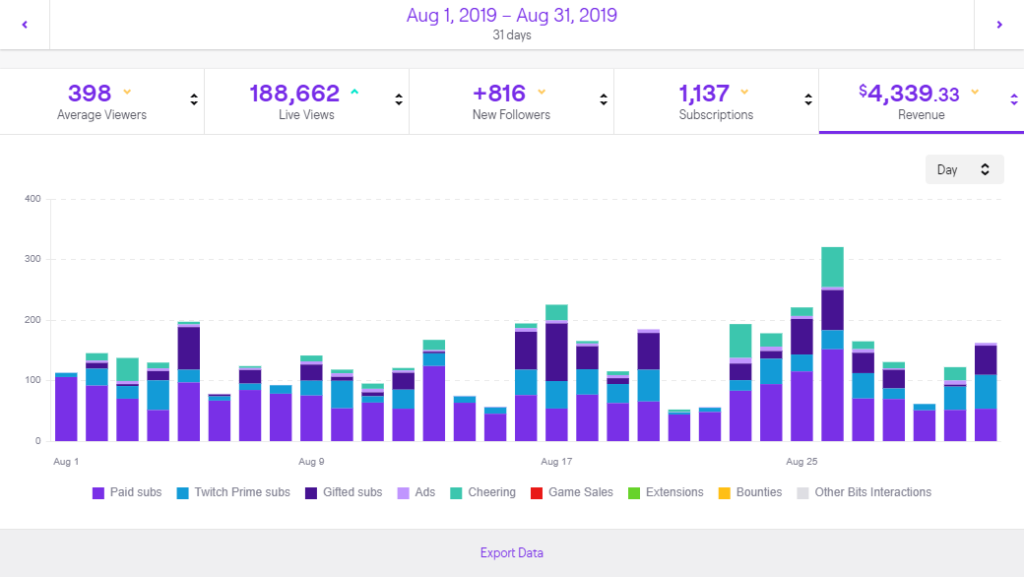
Study your analytics to see what works and what doesn’t. Pay attention to concurrent viewer counts, chat activity, and follower growth. Make constant incremental improvements.
10. Stay Positive and Have Fun
At the end of the day, a positive attitude and genuine enthusiasm will attract more loyal fans. Don’t get discouraged by low viewer counts when starting out. Enjoy the ride!
Following these tips will help any new streamer build an audience. Patience and persistence are also crucial. Don’t expect overnight success, but remain dedicated and your channel will grow.

About the author