Published: 24th May 10:52PM
With millions of active streamers on Twitch, standing out from the crowd is key to attracting and retaining viewers. One way to differentiate your stream is through the use of unique overlays and branding. Overlays, which are graphic layers that go over the stream, and branding, which is the overall look and feel of your channel, can help you establish a distinct identity and improve your viewer’s experience. In this article, we’ll discuss how to use overlays and branding to make your Twitch stream stand out.
1. Understand Your Audience and Your Brand
Before you start creating overlays or working on your branding, it’s crucial to understand who your audience is and what your brand represents. What kind of content do you create? What are your values and personality traits? The answers to these questions should inform your branding and overlay design.
2. Create a Consistent Branding Strategy
Consistency is key in branding. Your logo, color scheme, and overall aesthetic should be consistent across your Twitch channel, social media platforms, and any other online presence you have. This consistency helps viewers recognize your brand and establishes a sense of familiarity.
3. Design Unique Overlays
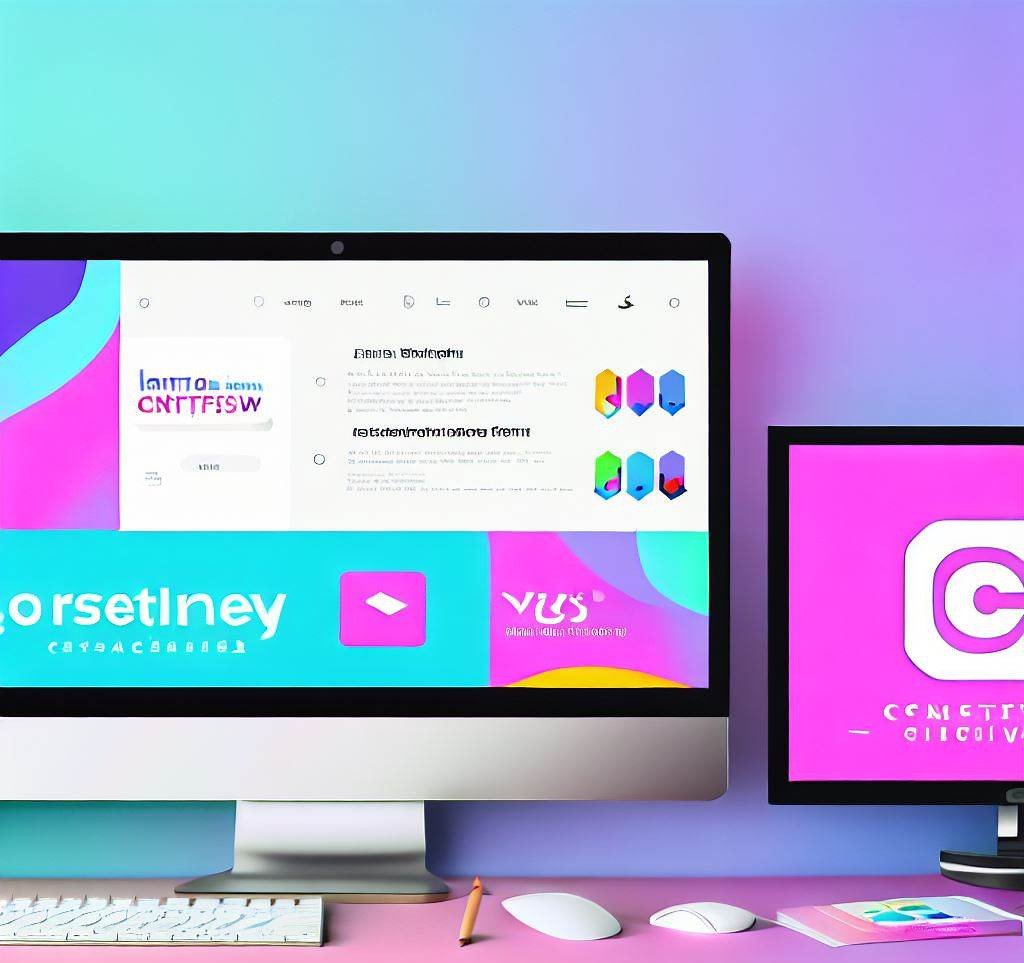
Overlays can add a professional touch to your stream and provide useful information to your viewers. They can show your social media handles, recent followers or subscribers, donation details, and more. When designing overlays, make sure they align with your brand’s color scheme and style.
There are many tools available online for creating overlays, some of which are free. You can also hire a graphic designer if you want something more custom or if you’re not comfortable creating the overlays yourself.

One such free tool is Canva. You can choose from hundreds of templates or design your own from scratch. You can also customize your overlays with different colors, fonts, icons, and images. Canva makes it easy to download or share your overlays as transparent PNG or MP4 files. You can use Canva to create professional-looking overlays for your Twitch stream in minutes.
OWN3D is a platform that offers premium overlays, alerts, and tools for streamers. You can choose from hundreds of designs or create your own with the OWN3D Pro OBS plugin. OWN3D helps you to enhance your stream with professional and customizable graphics.

4. Incorporate Interactive Elements
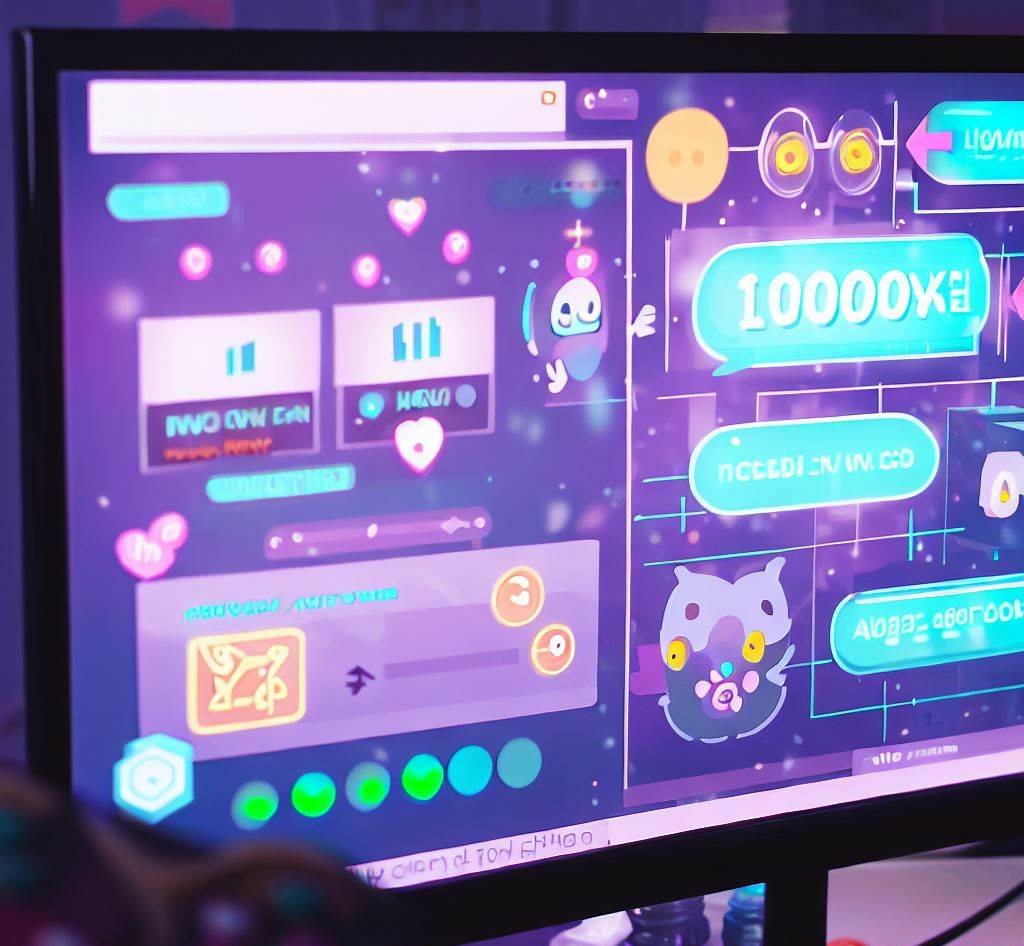
One advantage of Twitch is its interactive nature. Consider incorporating interactive elements into your overlays, such as alerts for new followers or subscribers, chat boxes, or even interactive games. These elements can improve viewer engagement and make your stream more enjoyable.
5. Keep Your Stream Layout Clean and Uncluttered
While overlays can add value to your stream, it’s important not to overdo it. An overly cluttered stream can be distracting and detract from your content. Keep your overlays minimal, and make sure they don’t cover important parts of your stream, such as gameplay or your webcam.
6. Update Your Overlays and Branding Regularly
As you grow as a streamer, your brand and audience might evolve. Regularly updating your overlays and branding can help reflect these changes and keep your stream fresh. However, while updating is important, remember to maintain consistency so that your viewers can easily identify your brand.
7. Get Feedback from Your Community
Finally, don’t forget to involve your community in your branding and overlay decisions. After all, they’re the ones watching your stream. Ask for feedback and take their opinions into consideration when making changes.
In conclusion, unique overlays and consistent branding can significantly enhance your Twitch stream and help you stand out from the crowd. By understanding your audience, creating a consistent branding strategy, designing unique overlays, incorporating interactive elements, keeping your stream layout clean, updating regularly, and getting feedback from your community, you can create a unique and engaging Twitch stream.

About the author